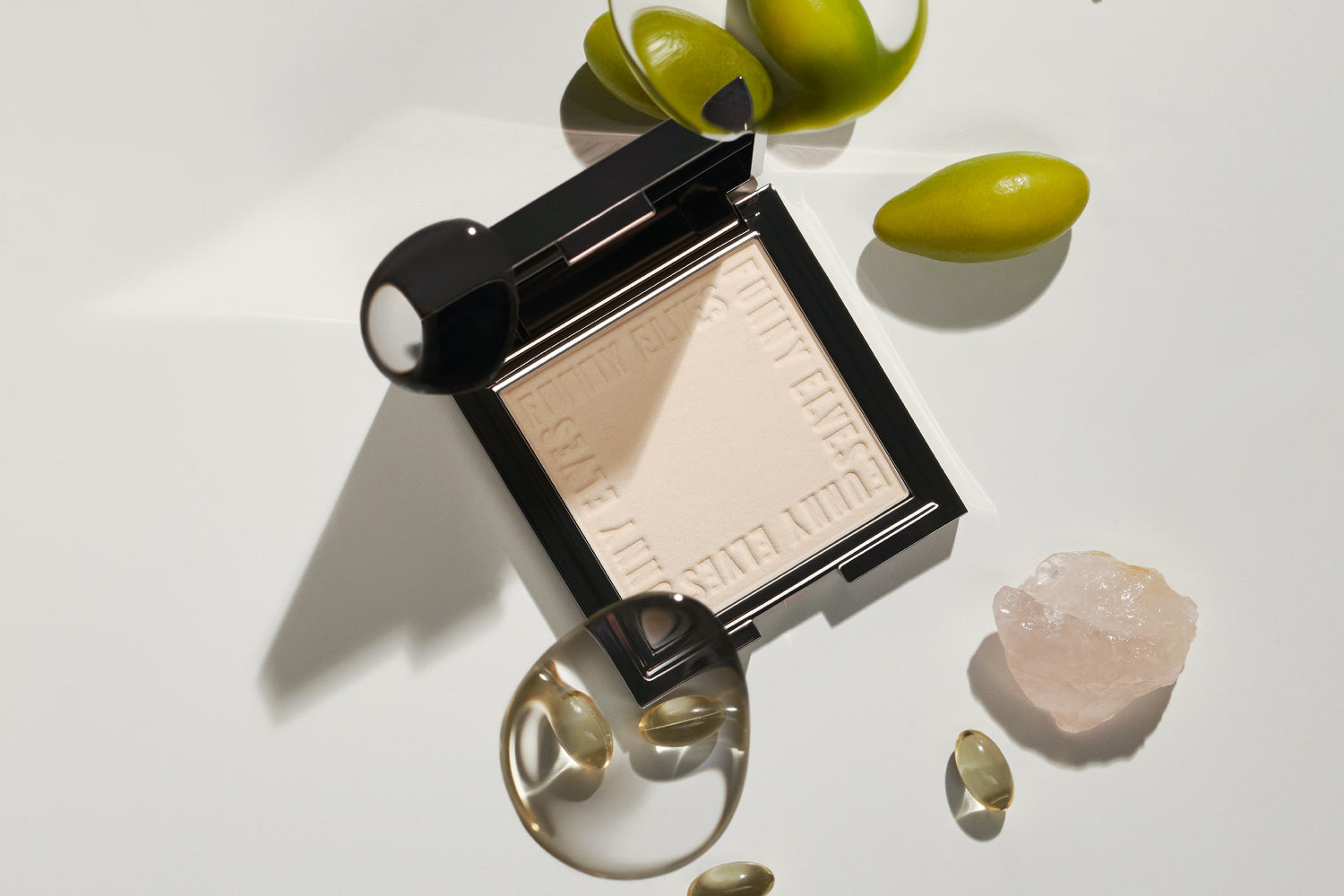


In online meetings, your first impression through the screen will greatly affect your impression. In fact, about 80% of people said that they have worried about their face during a meeting. Regular makeup can look light or highlight shadows through the screen. For this reason, it is essential to use "makeup that looks good on the screen" that evens out your skin tone and focuses on brightness and three-dimensionality. Approach the meeting with confidence using makeup that brings out your best features.
Key Takeaways
For online meetings, it is important to use base makeup that evens out the skin. Aim for a semi-matte finish.
To make your eyes look brighter, choose beige or pink eyeshadow that blends well with your skin tone and try to create a three-dimensional look.
-
By choosing a rose or muted red lip color, you can give your face a healthy glow and create a glamorous appearance even through the screen.
Lighting should be done from the front of the face to give a bright and even impression. Making use of natural light is also effective.
Positioning the camera at eye level will make your face look firmer and more confident.
A clean background will give a professional impression, so choose a simple background.
By incorporating these techniques, you can appear more confident and present your best side in online meetings.
Tips for base makeup that will stand out during online meetings
For online meetings, it is important to apply base makeup that makes your skin look even. We will show you some tips to give a healthy and bright impression even through the screen.
Creates a base that makes the skin look even
How to get semi-matt skin
Semi-matte skin is the ideal finish for looking great during online meetings. By reducing shine while leaving a natural glow, you will look clean and professional even through the screen.
Prepare your skin with skincare products <br>Make sure to moisturize your skin thoroughly and improve the texture of your skin. In particular, using a serum containing niacinamide will improve the clarity of your skin. For example, products like *PEACHNIA(TM)* are rich in moisturizing ingredients and can help brighten your skin.
Tone up with a makeup base <br>To even out uneven skin tone, use a makeup base with a toning effect. This will give your skin a more even appearance and make your next foundation stick better.
Achieve camera-ready skin with long-wearing air cushion foundation
Next, choosing the right foundation is key. The Long-Wear Air Cushion Foundation is the perfect item for online meetings. This foundation is designed to last for 12 hours and provides a semi-matte finish. In addition, the unique Triple Lock technology allows it to adhere firmly to the skin while still remaining breathable.
How to use : Use the dedicated puff to apply the product, tapping gently from the high points of your cheeks. Apply multiple layers to areas you want to cover for a more even finish.
This foundation is available in two types, one for oily skin and one for dry skin, and contains ingredients that are suited to each skin type. Those with oily skin can experience the sebum control effect, while those with dry skin can experience the moisturizing effect.
Using highlights and shading
How to add highlights to your face to give it dimension
Highlights are an important item for adding depth to your face. In online meetings, your face can look flat depending on how the light hits it. Therefore, adding highlights to the following points is effective.
Center of the forehead : To brighten the entire face.
Nose bridge : Makes your nose appear higher.
On the cheekbones : Create a healthy glow.
When applying highlights, the trick is to apply small amounts at a time while keeping natural light in mind.
Shading techniques to tighten the face
Shading is essential for tightening the face and making it look smaller. In particular, shading the following areas will create a more three-dimensional effect even when viewed through a screen.
Face line : Makes the facial contours look sharper.
On either side of the nose : accentuate the bridge of the nose and balance the overall appearance of the face.
When applying shading, be careful not to make it too dark. For a beautiful finish, blend it with a brush to create a natural shadow.
By incorporating these base makeup tips, you can appear confident on screen during online meetings. In the next section, we will explain in detail how to use point makeup.
Improve your impression in online meetings with point makeup
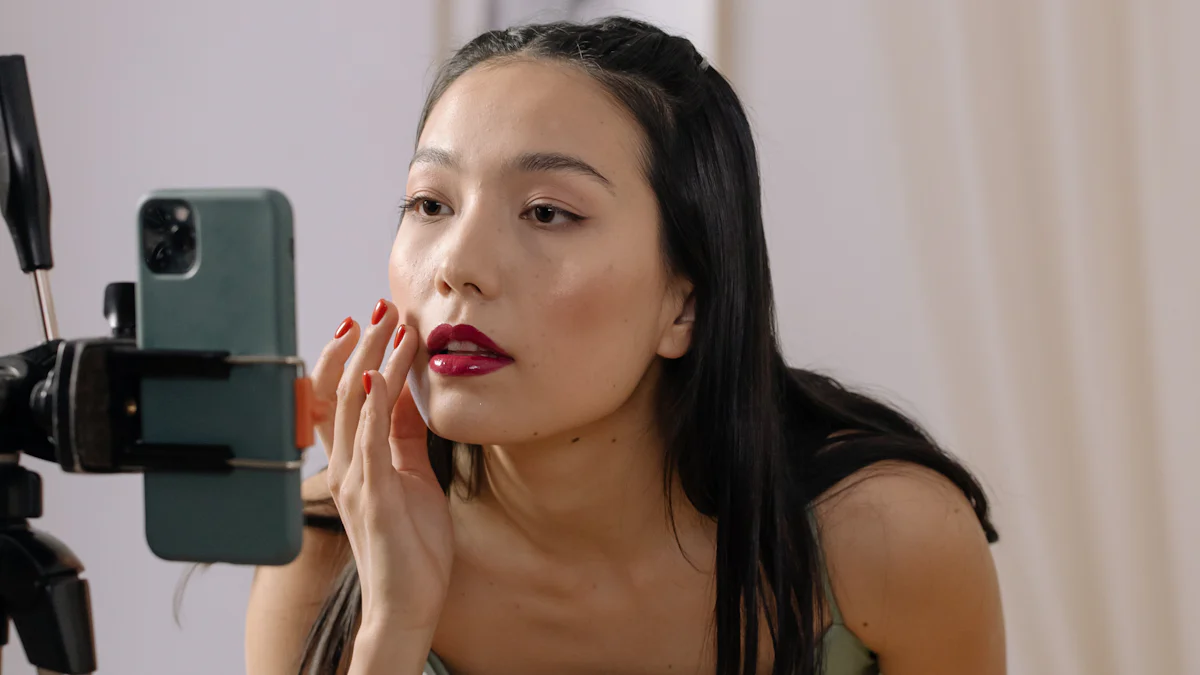
In online meetings, makeup is important as it affects the impression you make of your face. By adding a little ingenuity to your eyes and mouth, you can give off a bright and attractive impression even through the screen. Here, we will explain in detail the tips for eye makeup, lips, and cheeks.
Eye makeup tips
How to choose eyeshadow to brighten your eyes
Choosing the right eyeshadow color is key to making your eyes look brighter. Beige or pink eyeshadow that blends well with your skin tone is effective when viewed through a screen. These colors naturally brighten your eyes and reduce the impression of fatigue.
-
Recommended use :
As a base color, apply a thin layer of light beige all over the eyelid.
Applying a pink colour over the double eyelid will create a three-dimensional effect around the eyes.
Finally, adding a slightly darker brown to the outer corner of your eyes will make them look more defined.
According to a professional artist , "To make your eyes look brighter, it is effective to use eyeshadow with pearl that reflects light." Please give it a try.
Enhance your eyes with eyeliner and mascara
Eyeliner and mascara are essential items for emphasizing your eyes. In online meetings, your eyes are particularly noticeable on the screen, so even a little emphasis can make a big difference in your impression.
Eyeliner Tips :
To make your eyes look bigger, draw a thin line around your eyelids and flick the outer corners up a little. Use a black or dark brown eyeliner for a natural look.Mascara Tips :
Use a volume mascara and apply it firmly from the roots, lifting your lashes. Applying a light amount to your lower lashes will tighten up the entire eye area.
Add a healthy glow with lips and cheeks
How to choose a lip color that looks good on camera
Lips are an important factor in determining the overall impression of your face. For online meetings, it is important to choose colors that will bring out your natural complexion. Rose or muted red lip colors will make you look gorgeous even through the screen.
-
Featured lip colors :
Rose Pink: Gives a natural flush to the skin.
Deep Red: Gives a professional impression.
A professional bridal makeup artist advises, "Since lip colors draw attention to the center of the face, it's best to choose a slightly darker color."
How to apply blush to create a natural flush
Blush is an item that adds a healthy glow to the face. During online meetings, lightly applying blush to the high points of your cheekbones will make your whole face look brighter.
-
How to apply blush :
Apply with a brush in a circular motion to the high points of your cheekbones.
Blend outwards to create a natural gradation.
Choosing a pink or coral blush will blend well with your skin.
By incorporating these points of makeup, you can appear confident on screen even during online meetings. Please try it out at your next meeting!
Tips to look good in online meetings other than makeup
To make a better impression during online meetings, it's important to pay attention not only to your makeup but also to lighting, camera position, and background. Here are some easy techniques to put into practice.
Lighting Ideas
Light placement to brighten your face
The placement of lighting can greatly affect the impression of your face. Images in dark places tend to make your face look dull and tired. So, try to keep the following points in mind.
Look for light coming from the front. To make your face look evenly lit, place the light in front of your face. Using a ring light or desk lamp will help reduce shadows.
Adjust the brightness to create a natural look. If the light is too strong, your face will look washed out, so it's useful to choose a light that allows you to adjust the brightness. We also recommend using a diffuser to create a softer light.
How to use natural light
Natural light is the easiest way to brighten your face. Sit next to a window and adjust the light so that it hits your face evenly. However, avoid direct sunlight, as harsh light can cast shadows on your face.
Tip : Even on a cloudy day, natural light can be soft and bright, so check the location of your windows to find the perfect spot.
Adjusting the camera position and background
The camera angle that makes your face look the most beautiful
The position of the camera is an important factor in determining how your face will look. Placing the camera at eye level or slightly above will make your face look firmer. If the camera is positioned too low, your face may look larger or a double chin may become more prominent.
-
How to adjust the camera height <br>If you are using a laptop, adjust the height by stacking a stand or books. If you are using an external camera, it is convenient to use a tripod.
Look into the camera . Looking into the camera conveys confidence and sincerity to the other person. Get into the habit of looking into the camera lens, not the screen.
Creating a clean background
Your background can make or break the impression you make. A cluttered room or untidy background can make you look unprofessional. Follow these tips to create a clean background:
Choose a simple background. A plain wall or curtains will draw the eye to you, while accent pieces like potted plants or a bookshelf will add a warm touch.
-
Use a virtual background <br>If you can't tidy up your room in time, you can use the virtual background feature of your online meeting. However, keep in mind that backgrounds that move too much can be distracting, so choose a calm design.
Incorporating these techniques will help you make a better impression during online meetings, so be sure to give them a try at your next meeting!
Looking back at the key points for makeup that will look good on screen, the key is base makeup that evens out the skin, eye makeup that brightens the eyes, and lips and cheeks that add a healthy glow. In addition, you can bring out your best features by getting the lighting and camera position right.
Try these techniques out in your next online meeting. For example, even wearing a bit more eye makeup than usual can make a big difference in your impression. Look confident on screen and let your unique glow shine!
FAQ
How does makeup for online meetings differ from regular makeup?
In online meetings, your face tends to look flat and your makeup tends to look lighter through the screen. For this reason, we recommend wearing a slightly darker makeup than you normally wear. In particular, paying attention to brightening your skin tone and brightening your eyes will help you look good on screen.
Tip : Paying attention to your eye makeup and lips can make a big difference in how you appear online.
What are the tips for creating base makeup that looks good on screen?
It's important to have an even-looking complexion. Use a foundation with a toning effect to achieve a semi-matte finish. Follow with a Longwear Air Cushion Foundation for camera-ready skin that lasts for 12 hours.
Tip : For a natural, even finish, apply using tapping motions starting from the high points of your cheeks.
How can I make my eyes look brighter with eye makeup?
Choose a beige or pink eyeshadow that blends well with your skin. Applying a light beige to the entire eyelid and a pink shade to the double eyelid will make your eyes look naturally brighter. Adding a dark brown to the outer corner of your eye will also create a three-dimensional effect.
Pro tip : Use a pearlescent eyeshadow with light-reflecting luster to add a pop of color to your eyes.
What lip colors look good on screen?
We recommend rose or muted red lip colors. These colors will give you a healthy glow and make you look gorgeous even through the screen. If you choose a slightly darker color, your whole face will look firmer.
Tip : Try rose pink for a natural flush or deep red for a professional look.
How should I apply blush?
Apply blush to the high points of your cheekbones in a soft circular motion. Blend outward to create a natural gradation. Choose a pink or coral blush that blends well with your skin and gives a healthy impression.
Is there a way to make my makeup look better in a dimly lit room?
It is effective to use a ring light or desk lamp and shine the light directly on your face. If you want to use natural light, sit next to a window and adjust the light so that it hits you evenly. Avoid direct sunlight and aim for soft light.
Tip : Choose a light with adjustable brightness so your face looks natural and not washed out.
How can I make my face look smaller on camera?
Position your camera at eye level or slightly above, which will make your face look more slender. If you're using a laptop, try using a stand or stacking books to adjust the height.
Tip : Looking into the camera conveys confidence and sincerity to the other person.
What to do if the background is cluttered?
A plain wall or curtain will draw the eye to you, while accent plants or a bookshelf will add a warm touch. If you use a virtual background, choose a muted design.
When should you touch up your makeup during an online meeting?
Before the meeting starts, check your face on the screen. If necessary, just lightly touching up your lips or cheeks can make a big difference in your impression. If you can turn off your camera during the meeting, it's a good idea to use that time to touch up your makeup.
How can even beginners easily incorporate screen-worthy makeup into their look?
Start with a base makeup to even out your skin tone. Then, add eyeshadow to brighten your eyes and lipstick to add a healthy glow to your complexion for an easy, on-screen look.
Tip : By focusing on point makeup, even beginners can easily look good online.